Features
Everything an owner needs to know about the workday
Every feature below is in the 14-day trial.
Today
See the whole team at a glance
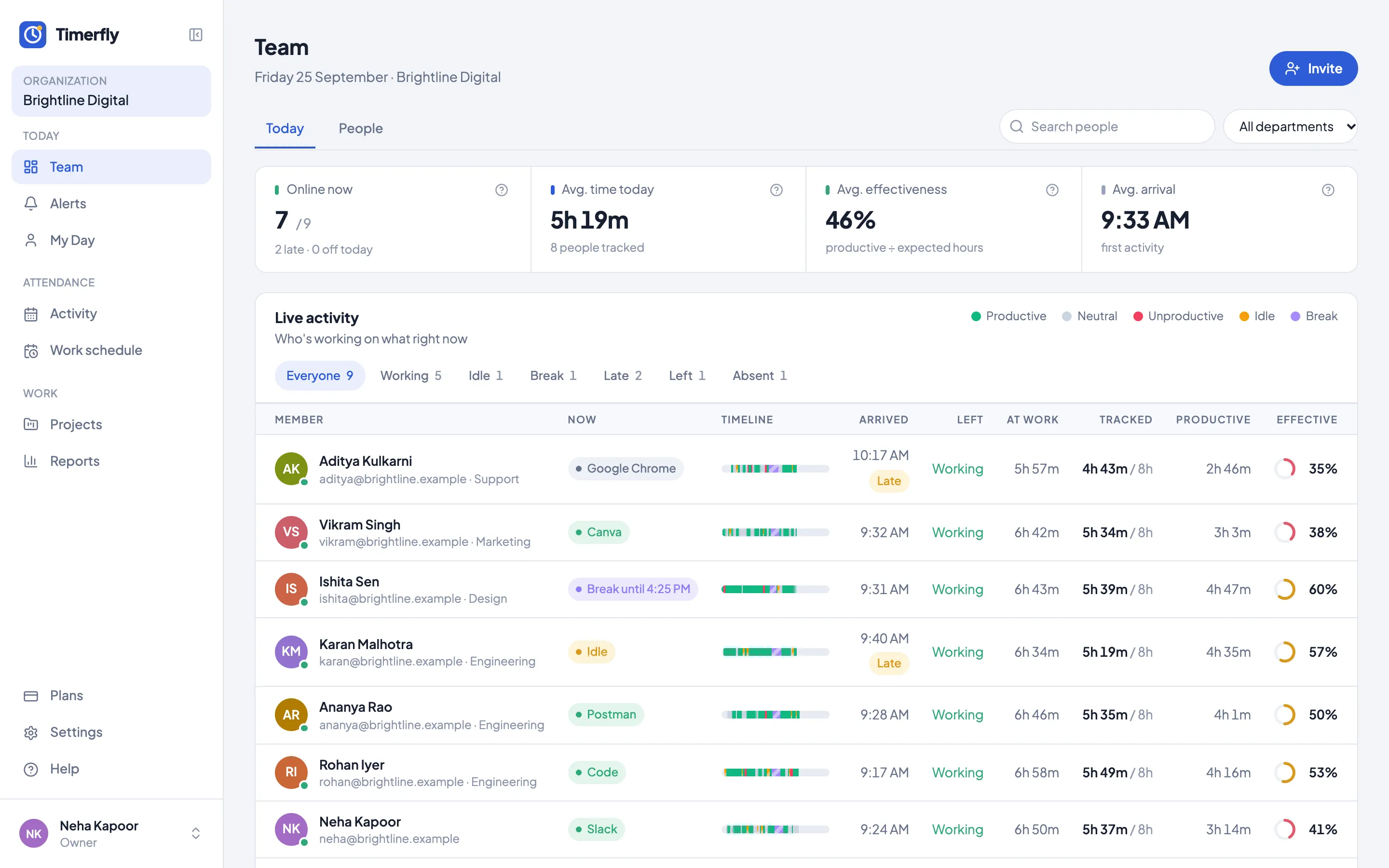
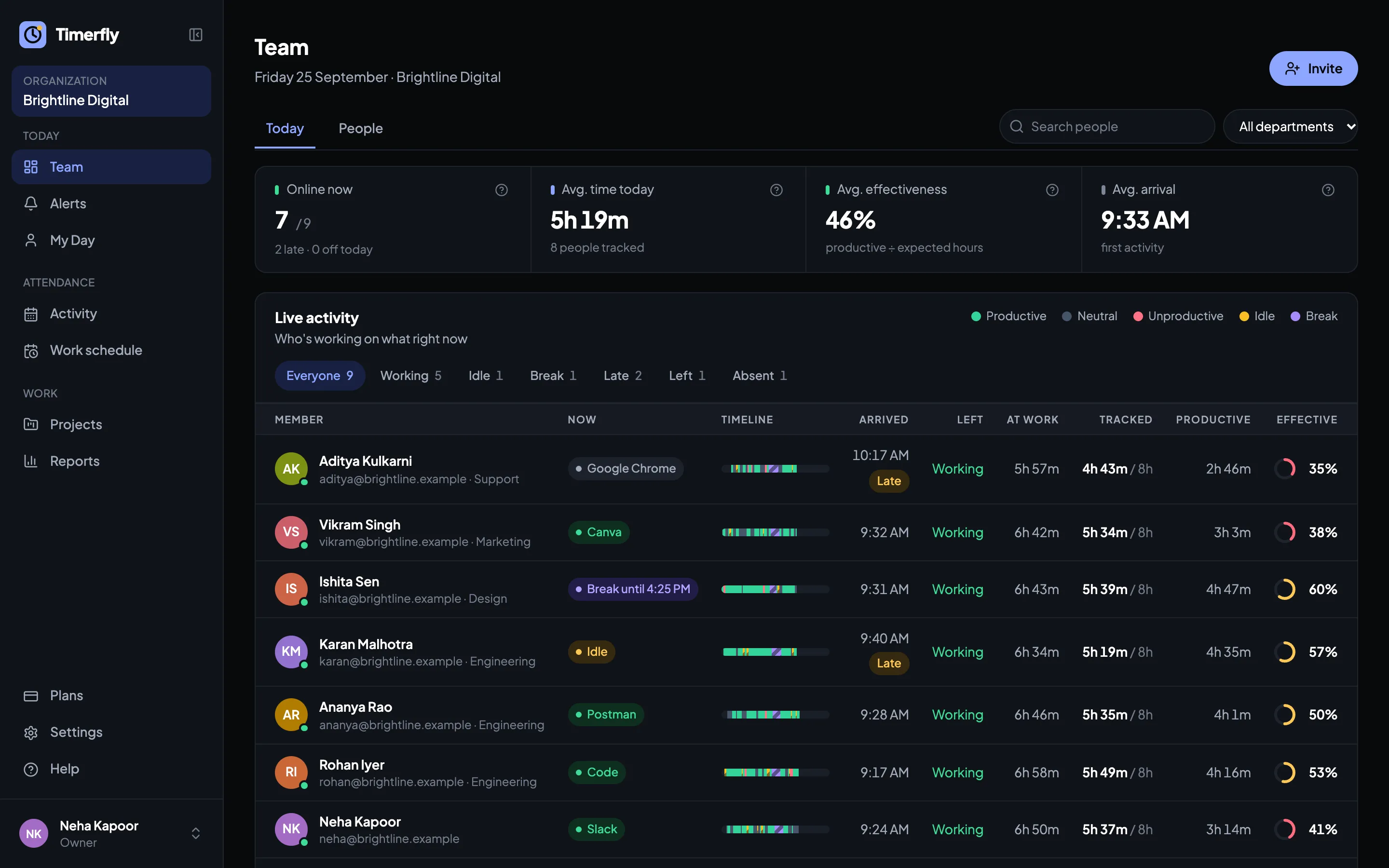
The Team page answers "who is working right now?" without a single message.
Live status
Working (and in which app), idle, on a break, or off. Updated every minute.
Today’s numbers
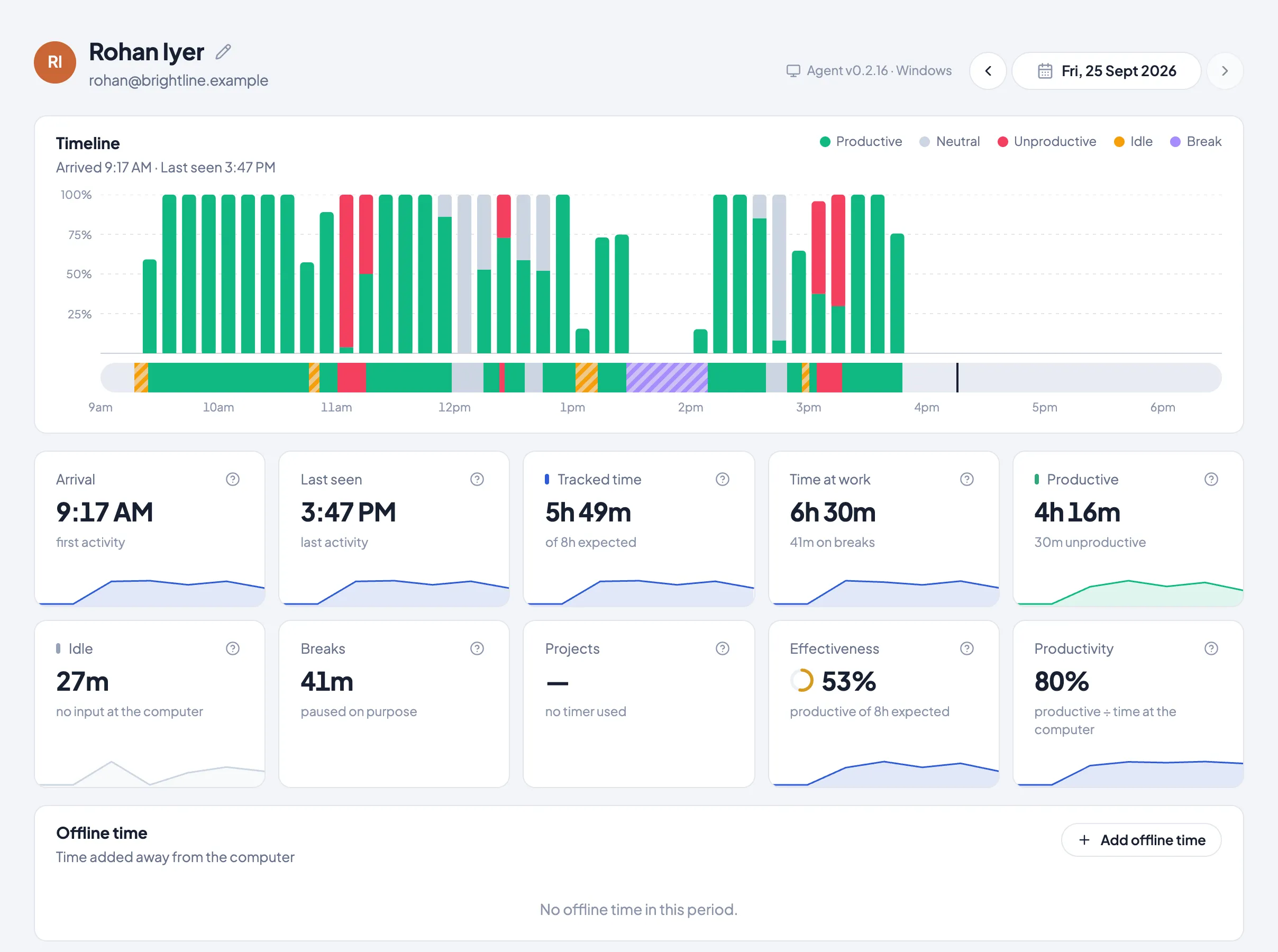
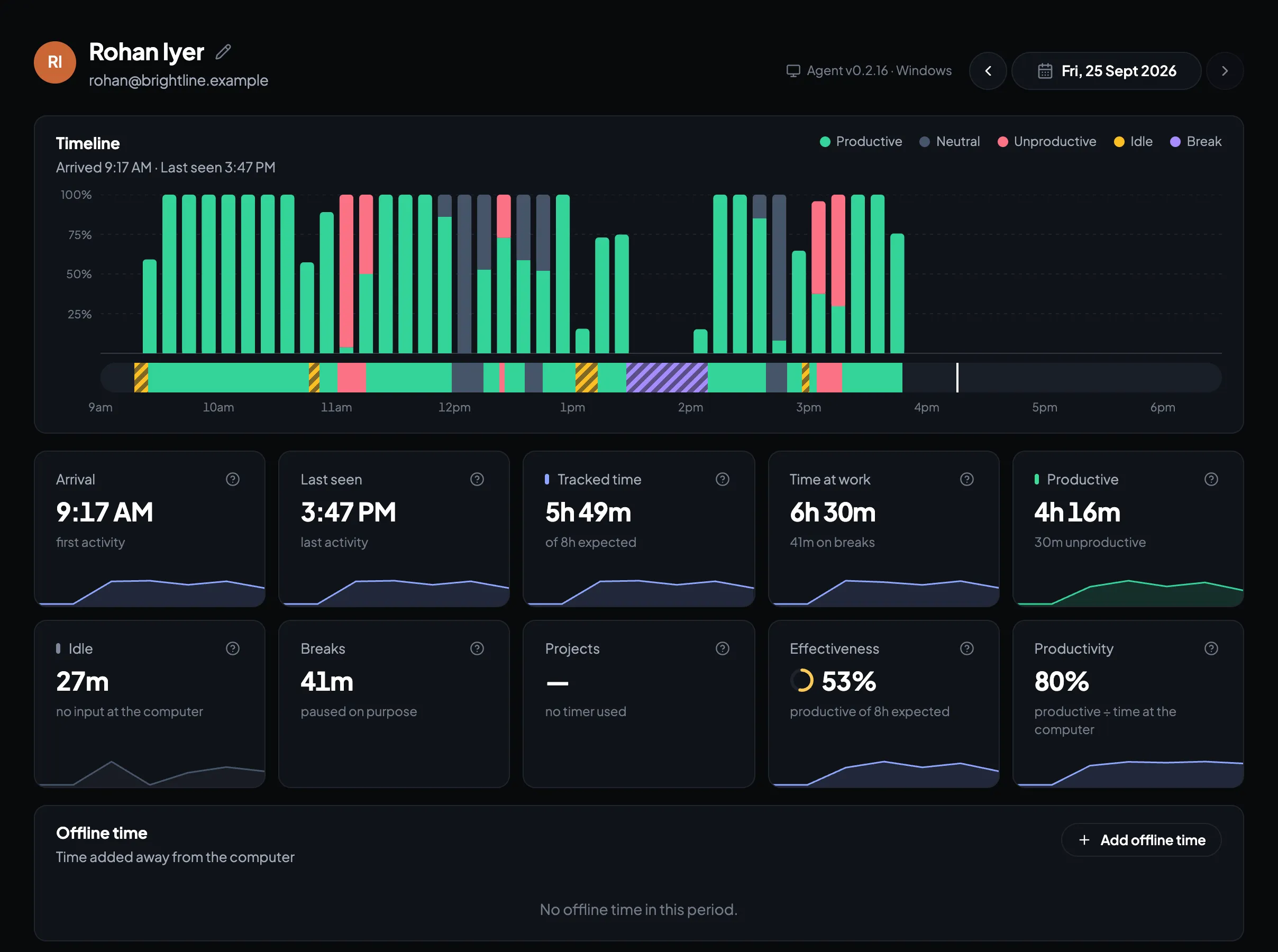
Arrival, leaving time, hours at work, tracked, productive time and effectiveness for everyone.
A timeline per person
The day as a coloured bar: productive, neutral, unproductive, idle and breaks.
Two computers, counted once
Someone signed in on a laptop and a desktop: every minute counts once, and you see it.
Attendance
Attendance that needs no register
Arrival and leaving come from the computer, not from memory.
Late, left early, absent
Marked against each person’s schedule, with grace minutes you choose.
Shifts and rota
Day and night shifts (even past midnight), assigned by person and by day.
Leave and offline time
Leave on the calendar; meetings and field work added as offline time, approved by a manager.
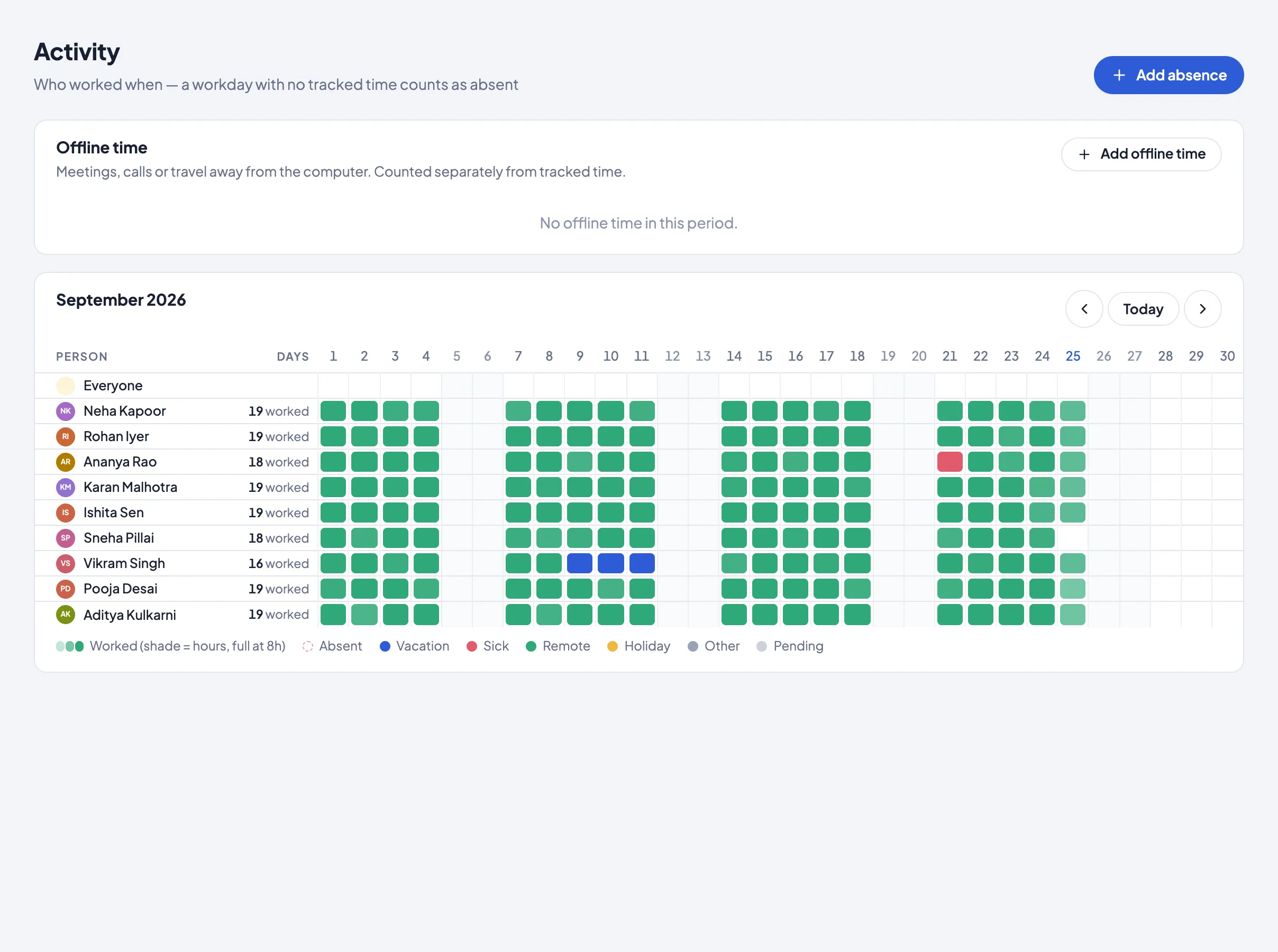
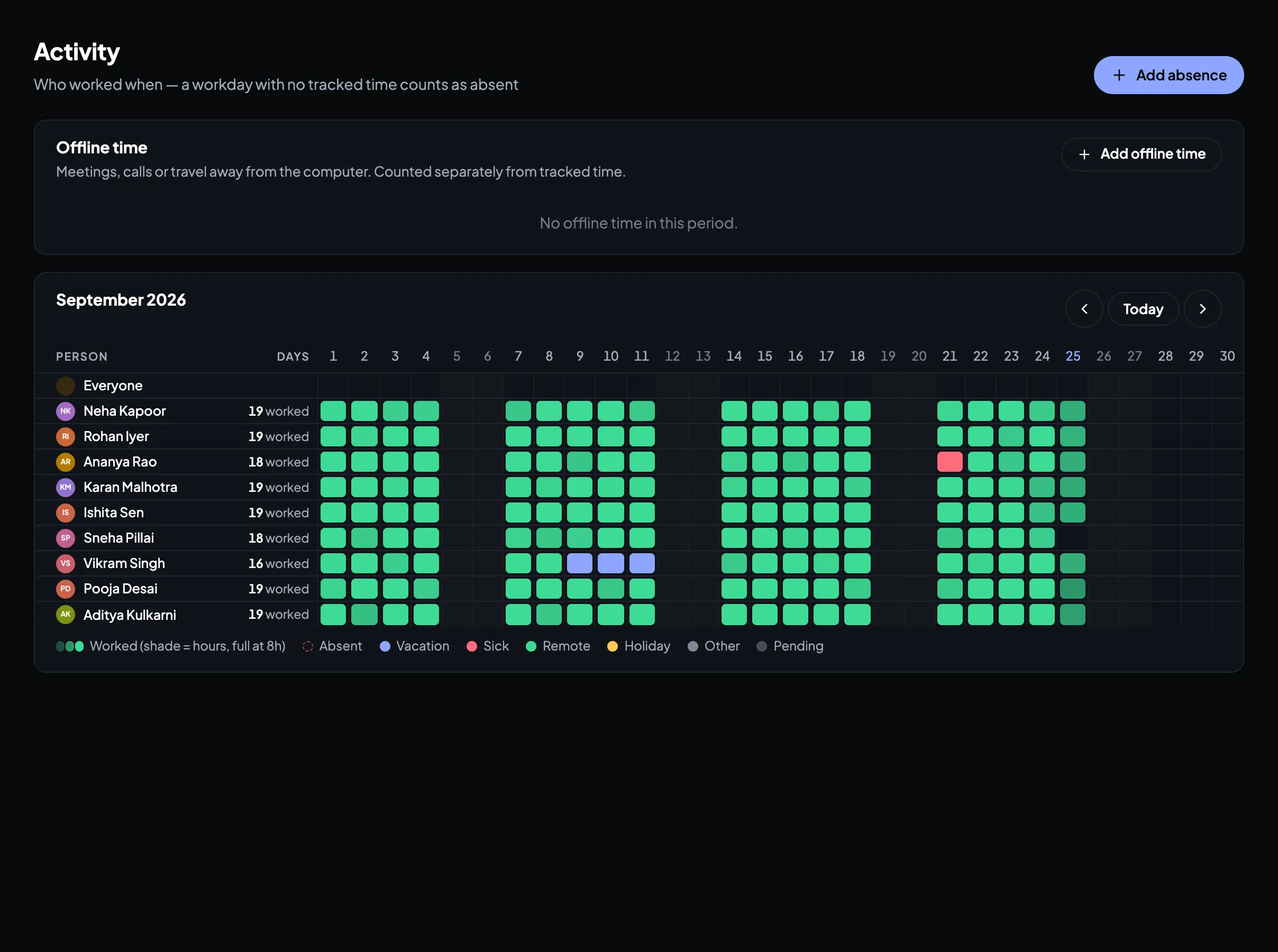
Activity calendar
A month per person at a glance: present, late, absent, on leave.
Productivity
Productive time, measured fairly
Every app and website counts as productive, neutral or unproductive. You decide which.
A ready list to start
Work tools productive; YouTube, Netflix, Instagram and the like unproductive. Change any of it.
Rules per department
YouTube can be work for Marketing and not for Accounts.
Websites, not just browsers
Rules for youtube.com or docs.google.com, whichever browser it’s open in.
Effectiveness and productivity
Productive time against the day’s expected hours, and against time at the computer.
Screenshots
Screenshots, only if you want them
Off unless you turn them on. Employees see their own.
Every few minutes
Taken only while the person is working, never during breaks or private time.
Blur where it matters
For everyone, one department, or one person.
Kept by plan
45 days, 90 days or 6 months, then deleted automatically.
Alerts and reports
Told when it matters, summarised when it doesn’t
Choose the alerts you want and where each one goes.
Alerts
Late start, idle too long, a long break or too much break time, too much unproductive time, overtime, a computer that stopped reporting, and start/stop of work.
Telegram, Slack and email
Pick per alert: say, idle alerts only in the Telegram group.
Report emails
A daily or weekly summary at 9 AM, per person or for the team.
Excel export
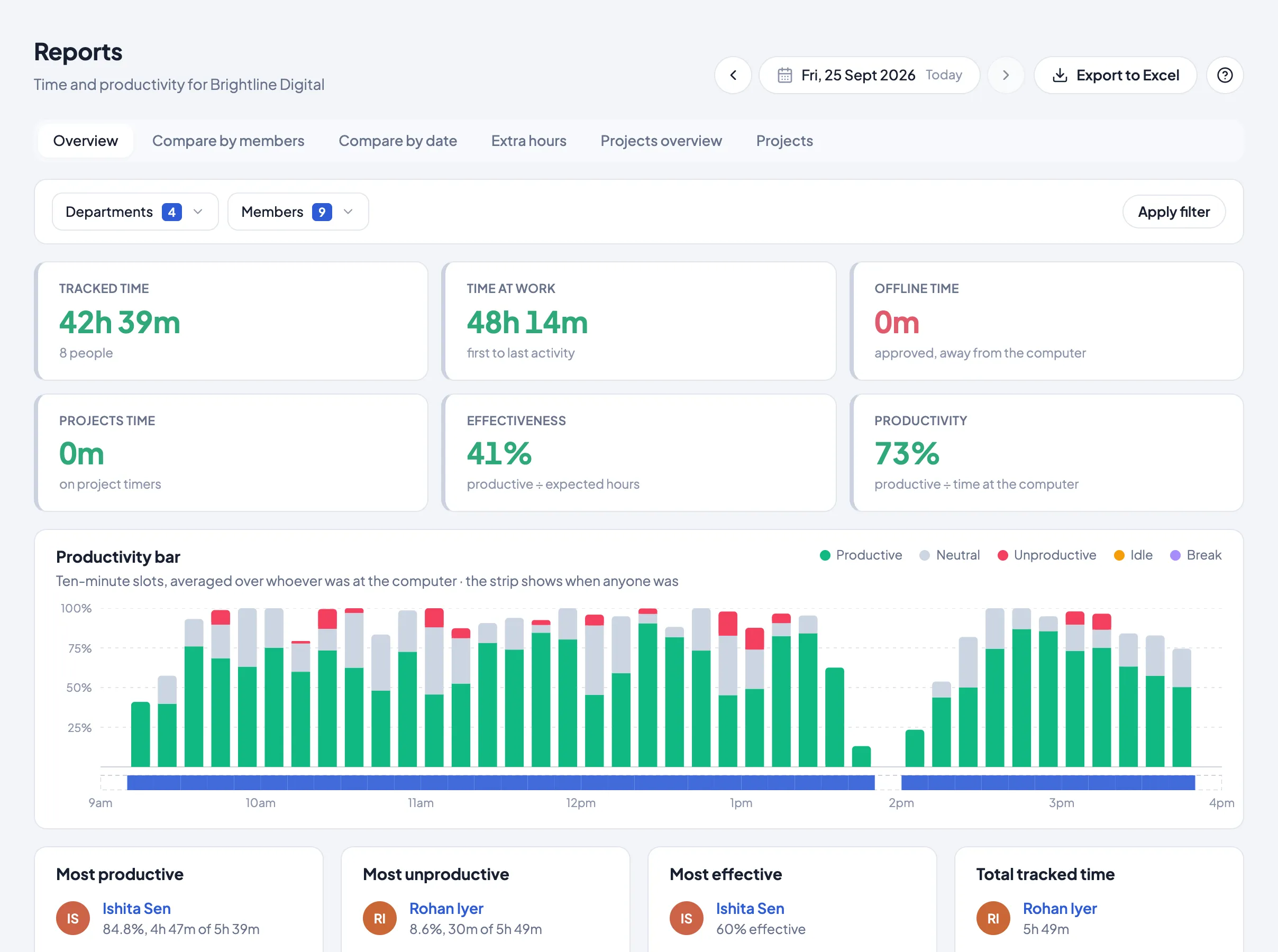
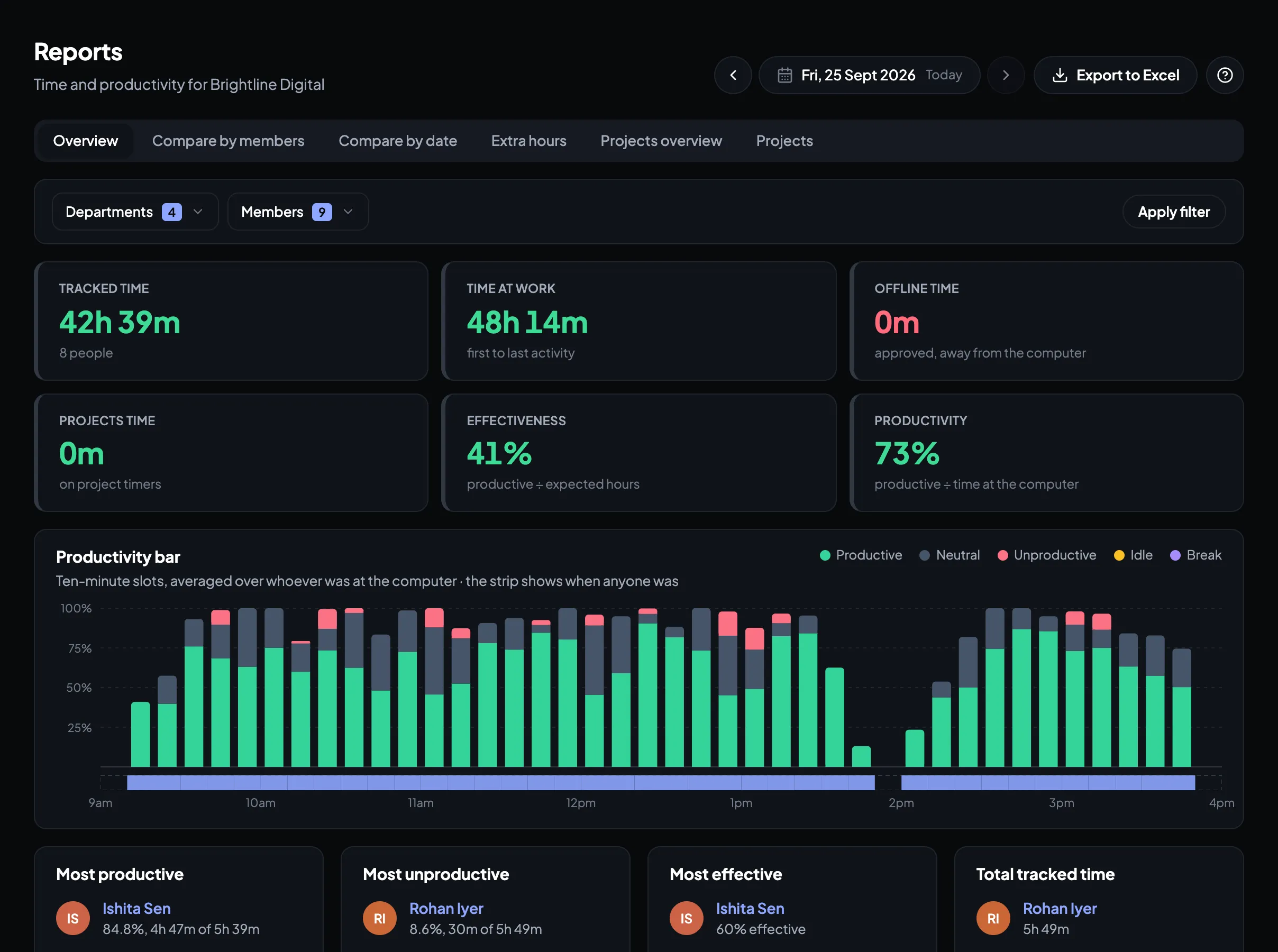
Any report, per person, team or project, in one click.
Projects
Hours your clients can check
Time by project and task, for billing and for proof.
Timers from the app
Start a project or task timer from the desktop app or the web.
Client report links
Share a project’s hours as a link; revoke it any time.
Security
Your data, locked down
Each company’s data is kept apart from every other’s, down to the database.
Two-step sign-in
A code from an authenticator app, for the web and the desktop app.
Office network only
Allow sign-in only from your office IP addresses (Business).
Sessions you control
See where you’re signed in and sign out other devices.
No keystrokes, ever
Timerfly notices that there was input, never what was typed.
Try it on your own team
14 days, every feature, no card.
Start free trial